A single click on a malicious link, a reused password, or an unverified attachment can be enough to trigger a cybersecurity incident that exposes sensitive company data. For this reason, employees play a critical role in protecting small and medium-sized businesses (SMBs) from cyber threats by adopting secure habits such as using MFA, maintaining unique passwords with password managers, locking screens when away from devices, verifying email senders, previewing URLs, and treating urgent requests for sensitive information with caution. Additional protections include avoiding suspicious attachments, keeping software updated, using VPNs on remote connections, installing only approved applications, avoiding unknown USB drives, reporting suspicious activity, backing up important data, and following data classification policies.
To strengthen long-term cybersecurity behavior, businesses should provide clear, role-specific security guidance and reinforce it through ongoing training and daily workflows. While many organizations partner with a Managed Service Provider (MSP) to enhance cybersecurity, employee awareness remains essential. Managers should promote safe practices, recognize positive security behaviors, and use employee feedback to improve security policies. Together, these efforts help build a security-conscious workforce and reduce cyber risks.
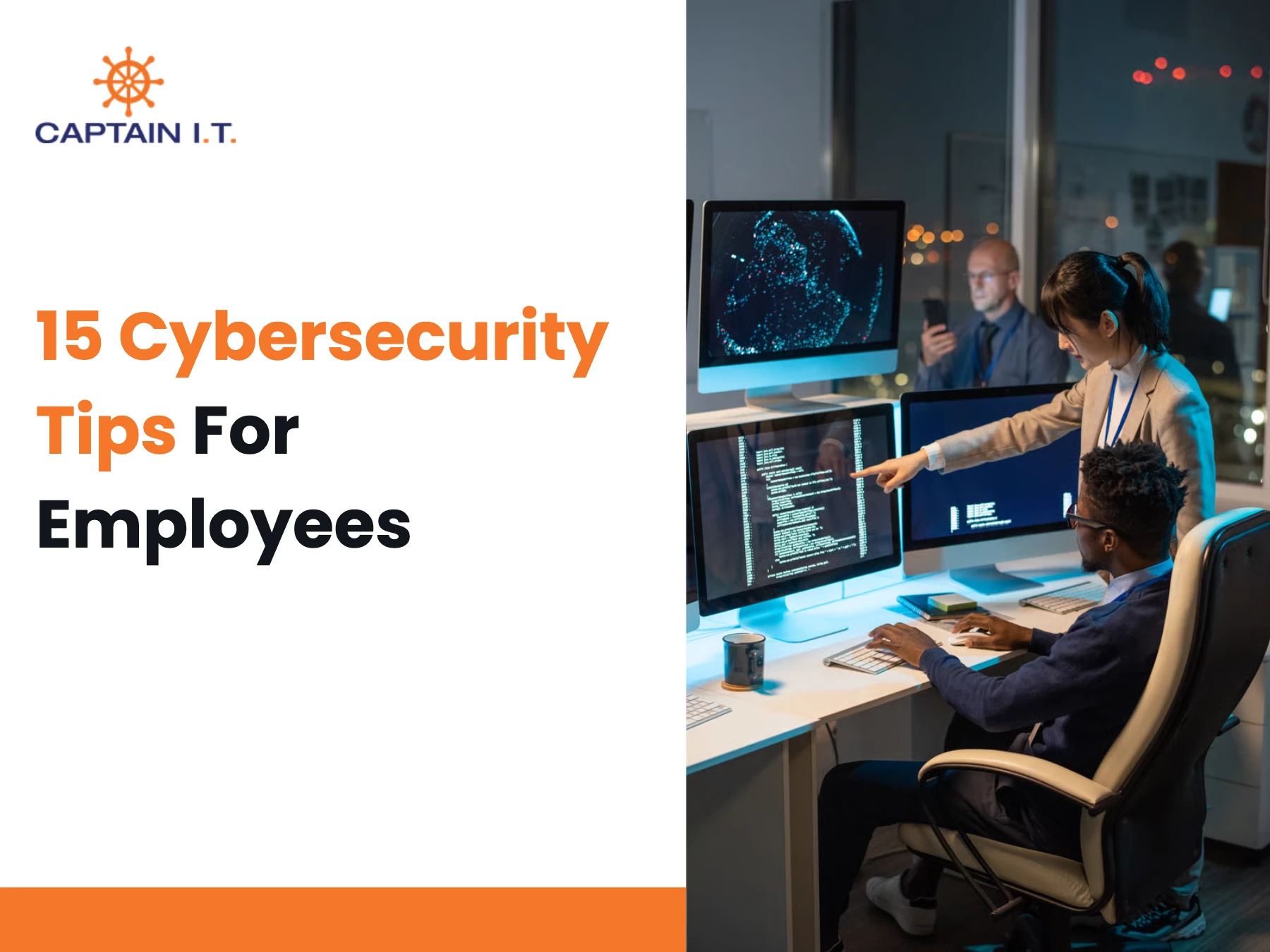
15 cybersecurity tips for employees include:
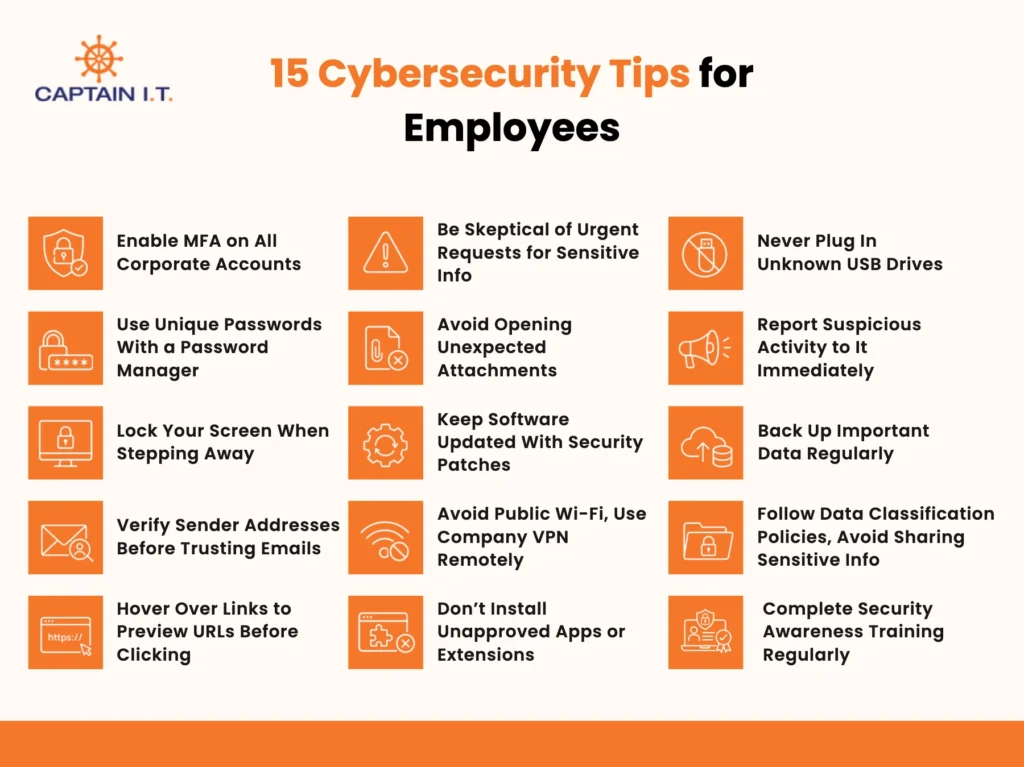
- Enable MFA on All Corporate Accounts
- Use Unique Passwords With a Password Manager
- Lock Your Screen When Stepping Away
- Verify Sender Addresses Before Trusting Emails
- Hover Over Links to Preview URLs Before Clicking
- Be Skeptical of Urgent Requests for Sensitive Info
- Avoid Opening Unexpected Attachments
- Keep Software Updated With Security Patches
- Avoid Public Wi-Fi, Use Company VPN Remotely
- Don’t Install Unapproved Apps or Extensions
- Never Plug In Unknown USB Drives
- Report Suspicious Activity to It Immediately
- Back Up Important Data Regularly
- Follow Data Classification Policies, Avoid Sharing Sensitive Info
- Complete Security Awareness Training Regularly
Enable MFA on All Corporate Accounts
Implement Multi-Factor Authentication (MFA) across all corporate accounts to prevent unauthorized access, even if passwords are stolen or compromised. According to the Cybersecurity and Infrastructure Security Agency (CISA), MFA prevents unauthorized access to data and applications by requiring a second method of verifying identity, making accounts much more secure
MFA is an important cybersecurity control because it protects accounts even if passwords are stolen or compromised. By enabling MFA on SMBs’ email accounts, cloud platforms, and applications that handle sensitive data, organizations can reduce the risk of phishing attacks and data breaches. MFA should be mandatory for all employees and enabled on email, VPN, and cloud-based systems whenever available.
Use Unique Passwords With a Password Manager
Maintain unique passwords for every account to prevent credential-reuse attacks and reduce the risk of unauthorized access to sensitive information. Reusing the same password across multiple accounts allows attackers to gain access to additional systems if a single credential is compromised. Password managers provide a secure solution by storing passwords in an encrypted vault and generating strong, unique passwords for each account.
For example, a password manager can create a strong 20-character password such as T7#qL9@mX2!vP8$rNc5W for a company email account and a different password for a cloud storage service, reducing the risk of credential reuse. Security best practices recommend using passwords that are at least 16 characters long, as longer passwords are significantly harder for attackers to crack.
Lock Your Screen When Stepping Away
On Windows devices, press Windows + L, and on Mac devices, press Control + Command + Q to instantly lock your screen and prevent unauthorized access to sensitive information. Locking your workstation whenever you step away is a simple but effective cybersecurity practice that helps protect company data from unauthorized viewing, misuse, or tampering. An unlocked device can allow someone to access files, view confidential information, or send emails from your account without permission.
Making screen locking a daily habit reduces the risk of data breaches and helps maintain a secure work environment. For SMBs, where employees often have access to multiple business applications and customer information, this simple habit can help prevent unnecessary security incidents and data exposure.
Verify Sender Addresses Before Trusting Emails
Before clicking a link, opening an attachment, or responding to a message, employees should verify the sender’s full email address rather than relying solely on the display name. Cybercriminals often impersonate trusted individuals, companies, or departments by using familiar names to make fraudulent emails appear legitimate. Employees should also watch for common phishing indicators, such as generic greetings like “Dear Customer,” spelling or grammatical errors, unexpected attachments, and messages that create a sense of urgency or fear.
If an email appears suspicious, avoid interacting with it and report it immediately to the IT or security team to help prevent phishing attacks and data breaches. This practice is especially valuable for SMBs, where a successful phishing attack can affect critical business operations and customer trust.
Hover Over Links to Preview URLs Before Clicking
Verify the destination URL before clicking any link, as phishing attacks often use deceptive web addresses to steal credentials, distribute malware, or gain unauthorized access to systems. Hovering your mouse pointer over a link reveals the actual web address, allowing you to identify suspicious domains, misspelled company names, or unusual characters that indicate a phishing attempt.
For example, a link displayed as www.microsoft.com may actually redirect to microsoft-login.com or secure-microsoft.verify-login.net. Always confirm that the domain matches the organization’s official website before clicking or entering login credentials. Making URL verification a routine part of email and web browsing habits strengthens cybersecurity defenses and reduces the risk of interacting with malicious websites.
Be Skeptical of Urgent Requests for Sensitive Info
Never share sensitive information in response to an urgent request until you have independently verified the sender’s identity. Cybercriminals often create a false sense of urgency to pressure employees into disclosing login credentials, financial information, or confidential business data without proper verification. Employees should confirm the legitimacy of such requests through a trusted channel, such as a known company phone number or official email address, rather than using contact details provided in the message.
If a request feels unusual or suspicious, it should be reported immediately to the IT or security team. Remaining skeptical and verifying requests before taking action helps prevent phishing attacks, fraud, and unauthorized access to company systems. Prompt reporting also enables security teams to investigate threats quickly, contain potential incidents, and reduce the risk of wider compromise across the organization.
Avoid Opening Unexpected Attachments
Do not open an email attachment you were not expecting, as malicious attachments are a common method for delivering malware, spyware, ransomware, and other cyber threats. These harmful files can run without your knowledge and compromise sensitive personal or company data. From a cybersecurity standpoint, unexpected attachments remain one of the most common attack methods used by cybercriminals.
Employees should be cautious of unfamiliar file types, unexpected invoices, or attachments from unknown senders. If there is any doubt about an attachment’s legitimacy, verify it directly with the sender through a trusted communication method, such as a phone call, before opening the file. Reporting suspicious attachments to the IT or security team also helps prevent similar attacks from reaching other employees.
Keep Software Updated With Security Patches
Install software updates and security patches as soon as they become available to protect devices, applications, and business data from known security vulnerabilities. Cybercriminals frequently target outdated software because unpatched flaws can provide unauthorized access to systems and sensitive information. Security patches are specifically released to fix these vulnerabilities and reduce the risk of cyberattacks.
In addition to improving cybersecurity, regular updates can enhance software stability, performance, and reliability. Making software updates a routine practice helps employees minimize security risks, strengthen organizational defenses, and maintain a safer and more secure work environment.
Avoid Public Wi-Fi, Use Company VPN Remotely
Connect only to trusted networks when accessing business resources remotely, as public Wi-Fi often lacks the security protections needed to safeguard sensitive information. Unsecured networks can expose passwords, company data, and online activity to interception by cybercriminals. Employees should use a company-provided Virtual Private Network (VPN) whenever working remotely, as a VPN encrypts data transmitted between the device and the company network, helping prevent unauthorized access.
If public Wi-Fi must be used, connecting through a VPN is essential. Trusted home networks and mobile hotspots are generally safer alternatives that help reduce cybersecurity risks and protect sensitive business information, helping SMBs maintain secure remote work environments and business continuity.Employees should also avoid accessing sensitive business applications or transferring confidential data over unsecured public networks whenever possible.
Don’t Install Unapproved Apps or Extensions
Avoid installing unapproved apps or browser extensions, as they can introduce malware, create security vulnerabilities, and expose sensitive company data to unauthorized access. Software that has not been reviewed or approved by the organization may bypass security controls, collect information without permission, or contain hidden malicious code.
For example, a browser extension promoted as a productivity tool could later update and begin tracking user activity or transmitting data. Employees should install only trusted, business-approved applications and regularly review, disable, or remove unnecessary software and extensions. Following this cybersecurity practice helps reduce attack surfaces, prevent data leaks, and protect organizational systems from potential threats.
Never Plug In Unknown USB Drives
Do not connect unknown USB drives to company devices, as USB-based malware can lead to data theft, ransomware infections, or unauthorized access to systems. Cybercriminals often use infected USB drives to distribute malicious software that can compromise devices without obvious warning signs. If you find a USB drive in a parking lot, a common office area, or a conference room, do not insert it into any computer.
Instead, report the device to your IT department so it can be handled safely. When using approved USB drives for business purposes, scan them with up-to-date antivirus software before opening any files. Following this cybersecurity practice helps protect sensitive company data and reduces the risk of security incidents.
Report Suspicious Activity to It Immediately
Alert the IT or security team immediately if you notice suspicious activity, as early detection can help contain cybersecurity threats before they impact the organization. Warning signs may include unusual emails, unexpected account lockouts, unfamiliar login notifications, system slowdowns, or other abnormal device behavior.
Prompt notification allows security teams to investigate incidents quickly, limit potential damage, and implement protective measures before a threat spreads. Employees play an important role in organizational cybersecurity by recognizing and escalating potential security incidents as soon as they are detected. This proactive approach helps reduce the risk of data breaches and strengthens overall security.
Back Up Important Data Regularly
Maintain regular backups of critical data to protect against data loss from cyberattacks, ransomware, hardware failures, or accidental deletion. A strong backup strategy includes following the 3-2-1 backup rule, keep three copies of data, store them on two different types of media, and maintain one copy offsite.
Employees and SMBs should use encrypted backups, maintain offline copies that are not connected to the network, and test backups regularly to ensure data can be restored when needed. Implementing immutable backups that cannot be altered or deleted provides additional protection. Establishing a consistent backup schedule helps ensure critical data remains secure, current, and recoverable during a cybersecurity incident.
Follow Data Classification Policies, Avoid Sharing Sensitive Info
Adhere to data classification policies and share sensitive information only through approved, secure channels to reduce the risk of unauthorized access and data breaches. Employees should identify and handle sensitive data, such as personal information, financial records, and proprietary SMBs information, in accordance with company guidelines.
When sharing confidential data, use company-approved platforms with encryption and avoid insecure methods such as personal email accounts, unencrypted USB drives, or unauthorized file-sharing services. Before sharing information externally, verify that websites use secure connections indicated by “https://”. Adhering to these cybersecurity practices helps protect sensitive data and strengthen SMBs’ security.
Complete Security Awareness Training Regularly
Participate in regular cybersecurity training that covers phishing detection, social engineering attacks, password security, safe data handling, ransomware awareness, and incident reporting procedures. Training helps employees recognize phishing emails, social engineering tactics, online fraud attempts, and other common cyber risks.
It also reinforces safe practices for handling sensitive information and reporting suspicious activity. Continuous cybersecurity education improves employees’ ability to identify potential threats before they cause harm and supports a stronger security culture across the organization. Regular training updates are essential because cyber threats constantly evolve, requiring employees to maintain current knowledge and awareness.
How Can Businesses Encourage Employees to Follow Cybersecurity Best Practices?
Businesses can encourage cybersecurity best practices by providing role-specific training, using real-world security scenarios, integrating security into daily workflows, empowering managers to reinforce safe behaviors, recognizing compliant employees, and improving policies based on employee feedback. These measures help build a security-conscious culture and encourage employees to apply cybersecurity best practices consistently in their daily work.
6 practices for businesses to encourage employees to follow cybersecurity are:
- Make Cybersecurity Rules Clear, Practical, and Role-Specific: Clearly explain workplace safety practices such as access control, visitor management, and device security according to employee responsibilities. Use examples involving authorized badges, secure entry points, locked devices, and visitor sign-in procedures.
- Use Short Scenario-Based Learning for Real Workplace Risks: Use brief workplace scenarios that mirror real situations employees encounter, such as unauthorized visitors, unattended devices, or suspicious access requests. These examples help employees identify risks and respond appropriately.
- Build Security Checks Into Daily Business Workflows: Integrate security actions into routine tasks, such as locking screens before leaving workstations, verifying visitor credentials, and securing equipment after use. Embedding these checks into existing workflows helps employees maintain safe habits consistently.
- Train Managers to Reinforce Safe Behavior With Their Teams: Train managers to demonstrate safe workplace practices, provide reminders, and correct unsafe behaviors when necessary. Manager-led initiatives may include safety briefings, access-control reviews, and discussions about physical security procedures.
- Recognize Employees Who Follow Security Processes Well: Recognize employees who consistently follow workplace security procedures, such as controlling access, securing devices, and reporting safety concerns. Recognition can include public acknowledgment, certificates, rewards, or team appreciation.
- Review Employee Feedback to Improve Security Policies: Collect employee feedback through surveys, meetings, suggestion boxes, or manager discussions to identify policy gaps and operational challenges. Reviewing feedback helps clarify procedures, improve practicality, and address workplace concerns.
Employee cybersecurity habits work better when the business also has clear systems behind them, including access control, phishing protection, secure backups, device monitoring, and a defined incident response process. For companies that do not have an internal security team, outside cybersecurity support can help turn employee feedback into stronger policies and daily security workflows.